GENERATE REVENUE BY INTEGRATING YOUR EXISTING PAY-PER-PLAY HARDWARE
Pay2Play
The Pay2Play feature enhances your MultiBall system by offering a user-friendly and automated method for customers to pay for their play time.
Connect your card reader, coin machine, or similar device directly to the MultiBall system via a simple cable. The integration lets players unlock your MultiBall for a configured time and automates the payment process for a unstaffed setup.
This is ideal for entertainment centers, arcade centers, sports facilities, and public venues looking to automate their operations without needing additional staff.
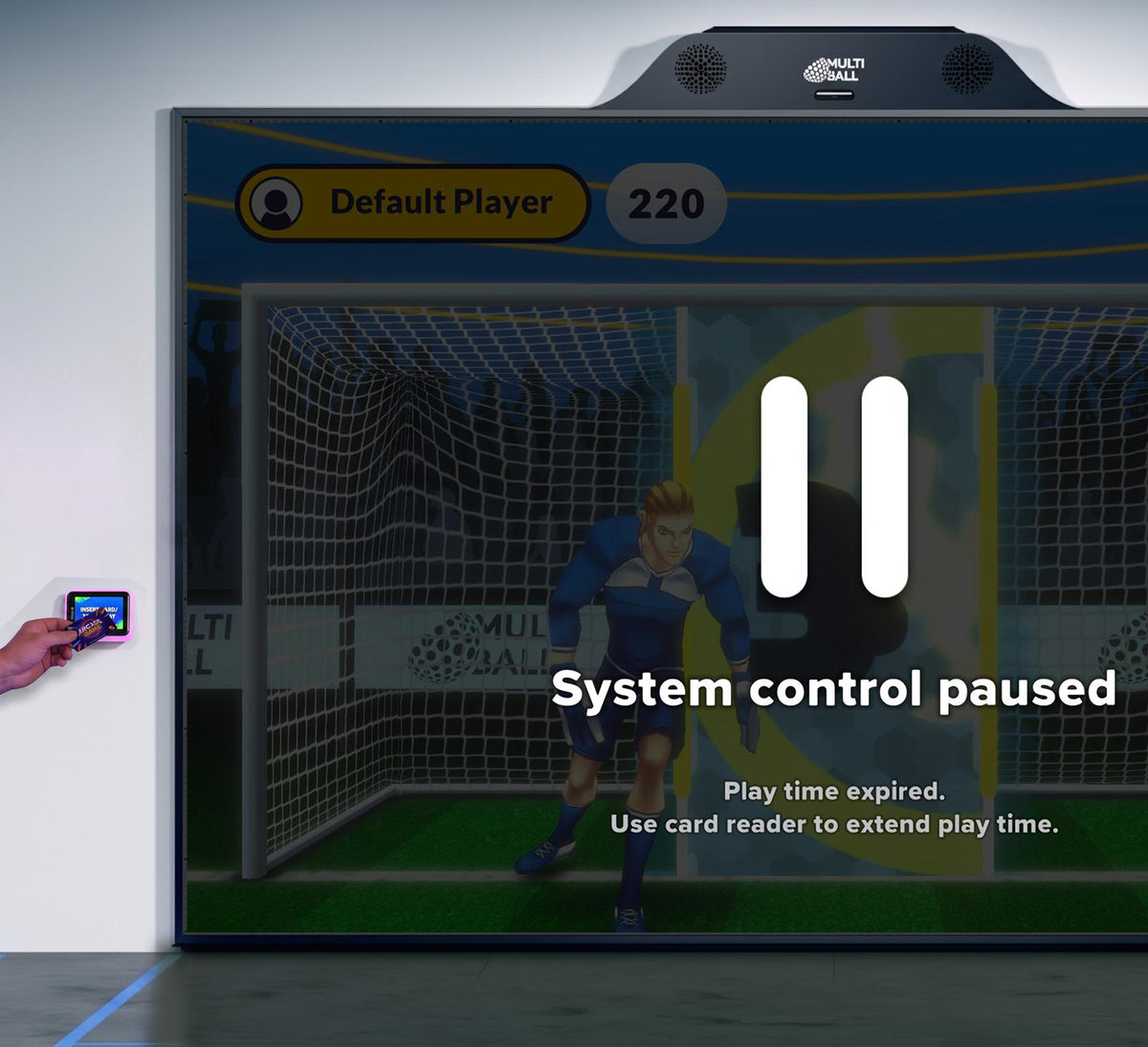
Automated Customer Interaction
Pay2Play empowers customers to independently start their gaming sessions via self-service methods such as swiping a card or inserting coins, and to seamlessly add extra playtime as needed.
Enhancing Customer Experience
The Pay2Play feature offers intuitive interfaces and real-time feedback, including in-session information such as remaining time and interactive prompts, as well as the flexibility to pause and extend playtime.
Immersive Brand Experiences
The Pay2Play feature allows for customizable videos, logos, text, and backgrounds, enabling businesses to tailor the gaming experience to their brand identity and target audience preferences.
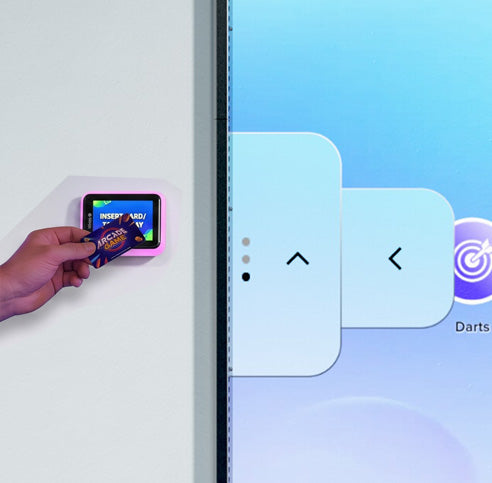
MADE EASY FOR YOUR PLAYERS
How Pay2Play Works
Pay2Play is straightforward to use once the initial setup is done. Customize the settings in the MultiBall Admin to fit your venue.
This is the payment and play process for players:
1. The MultiBall is in locked mode, displaying a screensaver video and a customizable message.
2. A player pays via the card reader or coin machine positioned next to the MultiBall.
3. After payment, the MultiBall automatically unlocks for the configured time, and a timer is shown on the display.
4. The player selects a game from the menu and starts playing. You decide whether the time in the menu also counts as play time or if the timer is paused.
5. Depending on your session settings, they can switch between multiple games during their play time.
6. Players can purchase additional play time at any point by paying via the card reader or coin machine again.
7. Once the paid play time has ended, the MultiBall switches back to locked mode. You can customize the message displayed to encourage them to play again.
HOW AIRSQUARE MONETIZES PLAY
Integrating A Coin Machine via Pay2Play
CONNECT YOUR PAY SOLUTION
Requirements for Pay2Play
- A compatible card reader, coin machine, or similar device that acts as a dry contact relay and sends a pulse (contact closure) triggered by payment.
- The special cable from the Pay2Play hardware interface upgrade starter set.
- An active monthly Pay2Play subscription
WANT TO KNOW MORE
Get in Touch
Contact our Sales
Contact our Sales Team to get your personal and individual quote or find out more about MultiBall.
Book an Event
Elevate your event with MultiBall — book now and create unforgettable experiences!
Become a Distributor
If you want to become a MultiBall distributor please read through our distributor Q&A and then submit the questionnaire.
Member of: